How to Plan Meals for the Week: A Simple Step-by-Step System
You know the scenario: you do a big shop, come home with full bags, and two days later you're standing in front of the open fridge again, wondering what to make for dinner.
There's food, in theory. It just doesn't go together.
You're missing one ingredient for a recipe, the vegetables you bought "because they'd come in handy" are starting to wilt, the meat needs using up by tomorrow, and you have neither the time nor the inclination to turn it all into a culinary puzzle. It ends with a quick bowl of pasta, a takeaway, or another trip to the shop.
And by the end of the week, some of what you bought a few days earlier ends up in the bin.
The problem usually isn't a lack of recipes. The problem is a lack of a simple system.
Meal planning doesn't mean mapping out every gram of food for seven days, or eating five identical boxes of rice and chicken. It's about something far simpler: once a week you check what you have, choose a few dishes, plan your shopping and leave yourself room to change your plans.
That way, instead of asking yourself "what shall I cook today?" every day, you simply look at your plan.
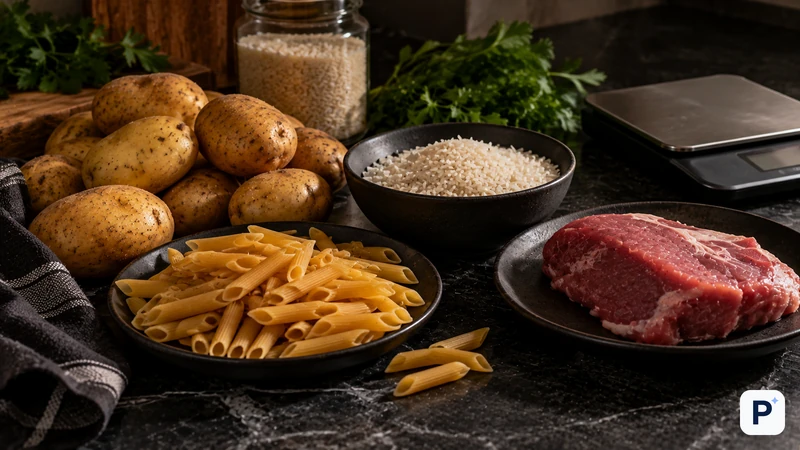
1. Start with what you already have
The most common meal-planning mistake happens before you even open your recipe app.
First you decide what you fancy. Then you make a list of ingredients. You go shopping. Only once you're back home do you discover that you already had half of it in the house.
So start your planning the other way round.
Take a look in:
- the fridge,
- the freezer,
- the kitchen cupboards,
- the store cupboard.
Look above all for the products you need to use up first.
Maybe there's half a bag of spinach left. An open jar of pesto. Two peppers that won't look their best in a few days. In the freezer, there's meat you'd managed to forget about.
These are exactly what it's worth building your first meals around.
Got peppers, tomatoes and a courgette? One dinner is practically taking shape already.
Any cooked rice left over? Instead of planning another portion from scratch, you could make fried rice with vegetables.
Got an open pack of mozzarella and some tortillas? That's another base.
The more often you start with your own supplies, the less often you buy something a second time that's already sitting at the back of the cupboard.
Good kitchen organisation helps, too. If products are tucked away in random places, they're easy to forget. See how to organise your fridge and store cupboard so you can see more quickly what needs using up.
This is also where PantryOS comes in handy. Instead of opening every cupboard before each planning session, you can check in the app what you have at home and how much of it is left.
2. Choose 3 to 5 base dishes, not seven perfect dinners
A weekly plan doesn't have to mean seven different recipes.
Quite the opposite. The more complicated the plan you prepare, the greater the chance that by Wednesday you'll stop sticking to it.
To start with, choose 3 to 5 main dishes.
For example:
- Monday: chicken and vegetable curry
- Tuesday: the previous day's curry
- Wednesday: pasta with pesto and roasted vegetables
- Thursday: a tortilla wrap with vegetables and chicken
- Friday: eating out
- Saturday: homemade pizza
- Sunday: using up whatever is left
That's still seven days, but only four bigger decisions.
A fixed pool of a dozen or so tried-and-tested dishes works well, too. You don't have to hunt for seven new recipes on Instagram every week. You choose a few dishes you enjoy and know you'll actually eat.
If you're short of ideas, start with budget dinners made from simple ingredients, or see how to put together a dinner from what you have.
In PantryOS you can approach this even more simply: the app suggests recipes based on the products you already have in your store cupboard. Instead of finding a recipe and then buying ten things for it, you start from your supplies.
3. Map out the week, but don't plan every meal down to the minute
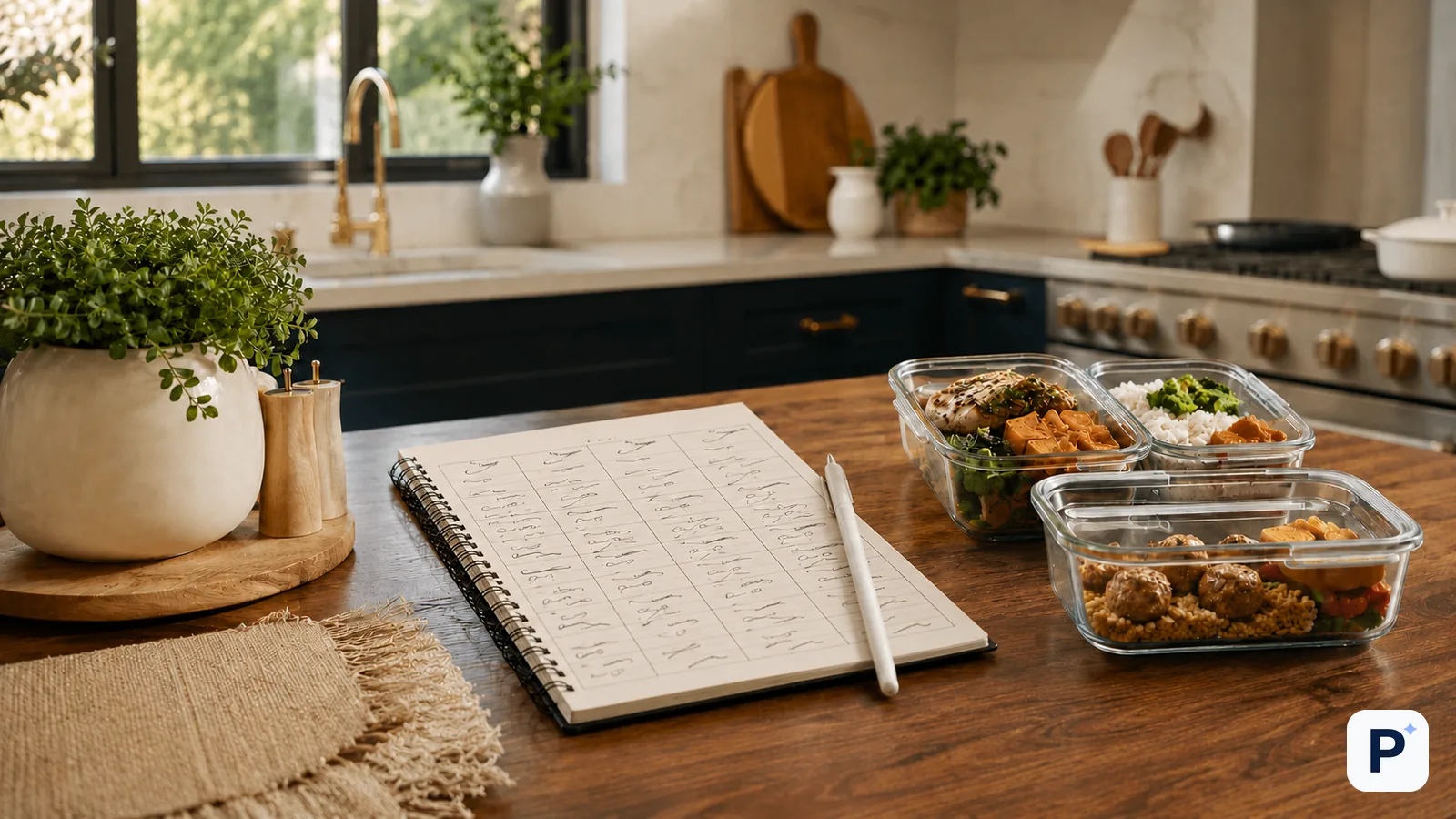
Once you have a few dishes, assign them to specific days.
You can use:
- a sheet of paper,
- a notebook,
- a board on the fridge,
- the calendar on your phone,
- an app.
The tool is of secondary importance. What matters most is that the plan is easy to reach and that you actually look at it.
Before you write in your meals, look at your week.
If you get home late on Wednesday, don't plan a dinner that takes an hour to cook that day.
If you're eating out on Friday, don't buy ingredients for an extra meal "just in case".
If Saturday is more relaxed, that's when you can plan something more time-consuming.
Your meal plan should fit your life, not the other way round.
It's also worth leaving one day without a specific dish. That's the perfect slot for leftovers, a spontaneous outing or using up products left over from previous days.
4. Turn the plan into a single shopping list
Only now do you move on to the shopping.
Go through each planned dish and write down the ingredients you're genuinely missing.
If you're planning pasta with pesto for Wednesday, you check:
- pasta, got it,
- pesto, half a jar left,
- parmesan, need to buy,
- cherry tomatoes, need to buy.
And only those missing products go on the list. How to refine the list itself so you don't buy too much is something we cover in our guide on how to make a shopping list.
It sounds trivial, but it's precisely this step that separates shopping driven by a plan from tossing things into the trolley "because they might come in handy".
It's worth grouping the list by category:
- Fruit and vegetables
- Dairy
- Meat and fish
- Dry goods
- Bread
- Frozen food
- Household and cleaning
That way you wander around the shop less and find it easier to keep track of what you've already put in your trolley.
You can also create a fixed base of products you buy regularly: milk, eggs, bread, yoghurt, fruit or basic vegetables. Then each week you only top up the list with the ingredients that come from your menu.
You'll find more ways to cut your bill in our guide on how to save money on your grocery shopping.
This is where PantryOS does a big part of the work for you
In PantryOS you can keep your supplies and shopping list in one place.
You see what you already have at home, add the missing items to the list and tick them off while you shop. If you use the app together, everyone in the household sees the same list.
So one person can add milk, another can buy it on the way, and the product doesn't get bought twice.
5. Prepare some things ahead instead of starting from scratch every day
Meal planning doesn't have to mean classic meal prep with seven identical boxes. If, however, you do want to cook ahead sensibly, see our guide on how to cook ahead using the batch-cooking method.
Preparing a few bases is far more convenient.
If you're cooking on Sunday anyway, you can straight away:
- cook a larger portion of rice or groats,
- roast a tray of vegetables,
- prepare meat or tofu for two meals,
- make a sauce,
- wash and chop some of the vegetables,
- make a soup to last two days.
Then you can use those same ingredients in different ways.
One day the roasted vegetables go into groats, the next into a tortilla wrap.
Chicken can be a side to one dinner, and the next day go into a salad.
You use the tomato sauce for pasta, pizza or a bake.
This is more flexible than preparing whole meals in advance, and usually far less monotonous.
If you're cooking for several people and don't know how much to prepare, use the PantryOS portion calculator. It's easier to cook as much as you actually need, rather than spending the next four days trying to get rid of a pot of rice. We've also gathered rough quantities per person in our guide on how much food per person.
6. Plan products, not just recipes
This is one of the best ways to reduce waste.
If you buy a whole bag of spinach just because one recipe needs a handful, plan right away where you'll use the rest.
For example:
- on Monday the spinach goes into pasta,
- on Tuesday into an omelette,
- on Wednesday into a tortilla wrap.
You can do the same with yoghurt, cream, an open tin of coconut milk, herbs or a large pack of vegetables.
So think not only "What shall I cook on Monday?", but also "If I open this product on Monday, where will I use the rest?".
It's a small change that very quickly reduces the number of half-finished packs lingering in the fridge.
7. Plan the short-dated products first
Not all ingredients need to be used straight away.
Pasta can wait. So can rice. Fresh fish, lettuce or an open pot of yoghurt, not so much.
So when you're arranging the order of your meals, start with the most perishable products.
If you know something won't be used in time, consider whether you can freeze it. This is particularly useful for bread, meat, many ready meals and some vegetables.
See also what you can and can't freeze.
PantryOS also shows you which products are approaching their expiry date. That makes it easier to use them in time, rather than finding them a week later at the back of the fridge.
8. Leave room to change your plans
A good meal plan doesn't fall apart just because on Tuesday you didn't fancy what was written down.
Fancy swapping Tuesday with Thursday? Swap them. Someone invited you to dinner? Move the planned dish. There's more food left than you expected? Eat the leftovers and push the next meal back.
The plan is meant to take the constant decision-making off your shoulders, not add another thing to keep on top of.
So leave yourself some margin in it.
In practice, a plan you follow 80% of the time all year round works far better than a perfect schedule you abandon after two weeks.
9. Do a 10-minute review once a week
At the end of the week, answer a few simple questions for yourself. We set out this whole weekly review step by step in our guide on the weekly kitchen reset.
- What's left?
- What did we eat sooner than I expected?
- Which dish did nobody want to eat a second time?
- What did I buy too much of?
- What ran out?
- Is there anything that needs to be used first next week?
It's not about keeping a report on the activities of your own fridge. A few minutes is enough.
After a few weeks you'll start to notice patterns.
You'll learn how much bread you really need, how many dinners a week you actually cook and which products regularly get left over.
Then planning stops being just another task. It becomes a repeatable habit.
A simple meal-planning system for every week
You don't need a complicated spreadsheet or dozens of new recipes.
You just repeat the same steps:
- Check what you already have. The fridge, freezer and store cupboard first.
- Find the products to use up quickly. These are the ones that get priority.
- Choose 3 to 5 main dishes. You don't have to plan seven completely different dinners.
- Fit them to your week. Easy dishes on difficult days, more time-consuming ones when you have more time.
- Make a list of only the missing products.
- Prepare a few bases ahead.
- Leave room for leftovers and changes of plan.
- At the end of the week, check what's left.
That's all.
It's not about a perfect fridge or a flawlessly executed menu. It's about buying less food by accident, throwing less away and, at 17:30, less often wondering what on earth to make for dinner.
PantryOS can turn this into one system
The hardest part of meal planning isn't writing down five dishes.
The problem starts when the information is scattered.
The shopping list is in your notes. The recipes are saved on Instagram. You can't remember what's in the freezer. Someone in the household bought milk, but nobody knows. The yoghurt was meant to be used yesterday, but it got left at the back of the fridge.
PantryOS brings these elements together in one place.
Your store cupboard under control. You see what you have at home and how much of it is left.
Shopping lists. You create a list, add the missing products and tick them off while you shop.
Recipes from your store cupboard. The app suggests what you can cook from the products you already have.
Quick adding. You can scan barcodes or add several products at once without typing each one in by hand.
Expiry alerts. You see which products are approaching their date before they're forgotten and end up in the bin.
A shared kitchen. Everyone in the household uses the same supplies and lists, so everyone knows what's genuinely missing.
The store cupboard, shopping lists, recipes from your store cupboard and the scanner are free. Expiry alerts and the shared kitchen are part of the Premium plan.
Meal planning then stops beginning with the question "What could I cook?". It starts with a much better one: "What can I cook from what I already have?".