How to Make a Shopping List So You Don't Overbuy
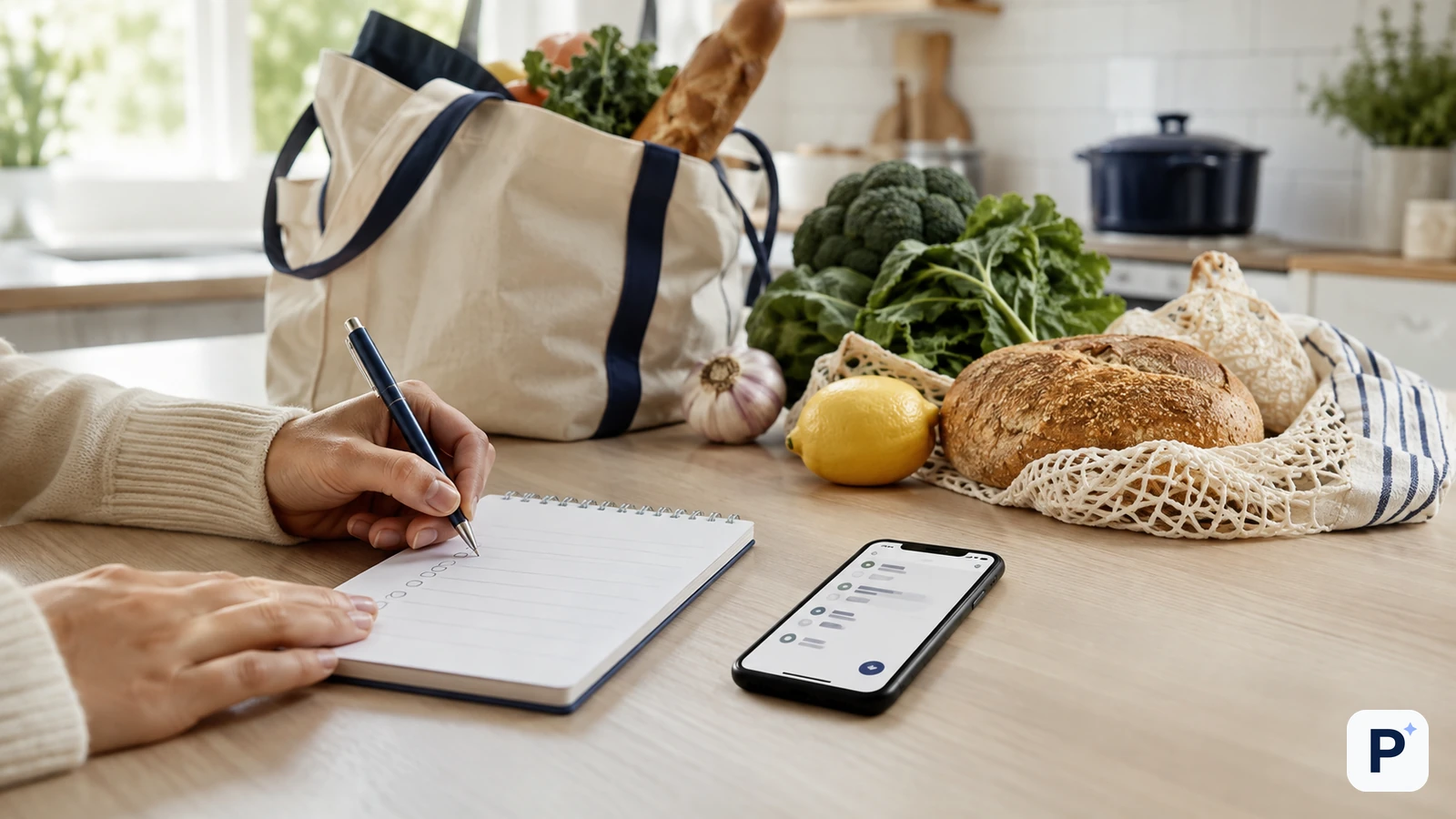
You come home from the shop with full bags, and a week later some of what you bought is still untouched. The vegetables are starting to go off, you discover a third bottle of ketchup in the cupboard, and on your next trip you are once again out buying something you ran short of for dinner.
The problem is not always that you are paying too much. Very often you are simply buying more than you need, or different things from the ones you will actually use.
And this is exactly where a good shopping list makes the biggest difference.
It is not about a scrap of paper scribbled five minutes before you leave with headings like "milk, something for dinner, fruit". A list like that still leaves most of the decisions for the moment when you are already standing between the shelves.
A good list is made earlier. It comes from what you plan to eat, what you already have at home and what you actually need.
Plan Your Food First, Then the Shopping
The biggest mistake happens before you even write down the first item. You sit down and ask yourself: "What do I need to buy?". A far better question is: "What are we going to eat?"
If you have no answer, the list becomes a random collection of products. Tomatoes, yoghurts, chicken breast, avocado, cheese, some vegetables. It could all come in handy, but there is no telling what for or when.
Turn the order around. First sketch out the next few days, even very roughly. Monday: pasta with vegetables. Tuesday: soup. Wednesday: rice with chicken. Thursday: using up leftovers. Only then do you check the ingredients needed for those meals.
You don't have to plan seven days, or breakfast, lunch and dinner down to the hour. Even four planned days give the list a concrete point of reference.
If you want to set up the whole process from scratch, we have a separate guide on how to plan your meals for the week. Here we go a step further and turn a ready-made plan into a list.
Before You Add Anything, Check What You Already Have
You've planned spaghetti. You need pasta, passata, onion, garlic and Parmesan. The easiest thing would be to copy all five onto the list.
Except that there are already two packets of pasta in the cupboard. The passata is behind the tins. Half a bulb of garlic is left. So the only things to buy are the onion and the Parmesan.
This simple stock check is what separates a list of the products you need from a list of ingredients from a recipe.
Before you shop, look in the fridge, the freezer and the cupboards. While you're at it, you'll see not only what you don't need to buy, but also the products that need using up. If you have half a courgette, an opened pot of cream and some spinach on its way out, it may be better to change one of your planned dishes so you use them first.
This is exactly the moment when PantryOS comes in handy. If you keep your stock in the app, you don't have to stand in the shop trying to remember whether there are any eggs left at home. On your phone, you can see what you have in the kitchen and how much of it is left.
The biggest problem is usually with dry goods, because they can sit at the back of the cupboard for months. We show you how to keep them in order and know how much you really have in our guide to how to store flour, rice, grains and other dry goods.
Write Down Quantities, Not Just Product Names
"Tomatoes" is not a precise entry on a list. How many tomatoes? Two? A kilo? A large pack? If you don't decide that at home, you'll decide it in the shop. And there it's easy to think: "I'll take more, there'll be some left over at worst".
That's why you should write down specific quantities:
- tomatoes, 4
- natural yoghurt, 400 g
- chicken breast, around 500 g
- bananas, 5
This matters especially for vegetables, fruit, meat and large packs, where it's easy to buy an amount by eye. If you're planning a dish for several people and don't know how much rice, pasta or meat you actually need, you can check the quantities in advance with the portion calculator or start with the rough weights from our guide to how much food per person.
The list should answer not only the question of what to buy, but also how much to buy.
Separate the Products You Need from the "Might Come in Handy" Ones
On many lists, two completely different categories get mixed together. The first: "I need this for specific meals". The second: "it would be good to have this at home". And it's the second group that very easily pushes up the bill.
The olive oil is running out and really does need replacing. That's a normal staple. But three extra yoghurts, a different kind of cheese and a pack of tortillas "just in case" may have no place in the plan at all.
A good approach is to divide the list mentally into three groups: needed now, topping up regular staples and optional. You buy the first two groups first. The third shouldn't automatically go into the trolley just because you happen to be in the shop.
This helps especially with perishable products. An extra packet of pasta can happily wait a few months. Extra spinach, not so much.
Group the List the Way You Walk Round the Shop
A good list shouldn't be a random order of items: milk, bananas, washing powder, yoghurt, tomatoes, cheese, apples, butter. It's far more convenient to divide it into sections.
Fruit and vegetables
- tomatoes
- bananas
- apples
Dairy
- milk
- yoghurt
- cheese
- butter
Dry goods
- rice
- pasta
Household
- washing powder
That way you go through the shop once, instead of walking three aisles back because you've just remembered the milk.
There's one more advantage. The more concrete your plan for getting round the shop, the less time you spend looking at products you never intended to buy in the first place. The list then becomes a shopping route rather than just a reminder.
Research into shopping lists suggests that planning products in detail can indeed reduce the number of items bought, and in some experiments the amount spent as well. This doesn't mean that every list will automatically lower the bill, but it does confirm the value of treating it as a concrete shopping plan rather than a loose note.
Don't Shop on an Empty Stomach
The advice "don't go to the shop hungry" is repeated so often that it almost sounds like a myth. The link between hunger and shopping behaviour is interesting in itself, but it's worth being careful with eye-catching statistics.
One study did find that hungrier shoppers spent 64% more. The problem is that it observed customers in a large department store, not a food supermarket. So you can't say that shopping on an empty stomach increases your food bill by 64%.
The study did show something interesting, though: hunger can increase the general tendency to acquire things, even things unrelated to food.
In practice, the rule is still sensible. If you can, don't go on a big shop at a moment when everything on the shelf looks appealing simply because you haven't eaten for a few hours. The list is there to limit the number of decisions you make in the shop. Hunger doesn't help you stick to that plan.
A Special Offer Doesn't Change How Much You Need
Your list says natural yoghurt, 2. In the shop you see: "Buy 4, pay for 3". So it's better value. But only on one condition: that you actually eat all four yoghurts.
The list helps you separate a good price from an unnecessary purchase. If you need two tubs, you pay for two. If the offer tempts you into buying four instead, you haven't saved anything. You've spent more than you planned. The saving only appears once the extra products replace a future purchase and are actually used.
This rule matters especially with fresh food. A bigger pack only makes sense when you have a plan for it.
You'll find more about prices, multipacks and other ways to shop more cheaply in our guide to saving money on your grocery shopping. Here, one rule is enough: a special offer may change the product you choose, but it shouldn't increase the amount you buy without good reason.
The List Should Guide You, Not Forbid Every Change
The list doesn't have to be a contract signed before you enter the supermarket.
Planned apples, but strawberries happen to be in season, look wonderful and cost less? Swap them. Your list says cod, but another fish is a good price and works in the same dinner? You can pick the alternative. You need broccoli, but the quality is dreadful? Buy cauliflower if it does the same job. That's flexibility.
Adding products that don't replace anything on the list is a different matter. Apples swapped for strawberries still mean one portion of fruit. Apples, strawberries, grapes and a melon all tossed into the trolley at once, when you only planned apples, already mean four products you'll have to get through in time.
So a good rule is: swap, but don't add without a reason.
One List for the Whole Household
The list stops working if everyone keeps their own. You jot milk down in your notes. Your partner remembers it in the shop. Someone else buys it on the way home because they noticed in the morning that it was running low. By evening there are three cartons in the fridge.
With more people in the household, the list should be shared and update in real time. In PantryOS, everyone in the household can use the same shopping list. Each person sees the current items, can add something and tick off a purchase in the shop. If one person has just bought the milk, the other sees that the item has been ticked off.
This removes a very simple but common problem: buying the same thing twice just because the shopping information was on two different phones.
The List Is Still Useful After You've Shopped
The process doesn't have to end the moment you tick off the last item. After a few weeks, you may notice recurring patterns. You regularly put down six yoghurts, but two are left over. You buy a kilo of tomatoes, when 600 grams would have been enough. Every week you take two loaves of bread, but part of the second loaf ends up in the bin.
That's information for the next list. Next time, you reduce the amount.
This way the list becomes more and more accurate. It no longer rests on how much you think you need, but on how much your household actually uses. If you regularly cook for the same number of people, after a few weeks you'll build up your own shopping pattern, far better than any one-size-fits-all list found on the internet.
A Shopping List Is Part of a Bigger System
A list on its own won't solve all the problems with spending on food. It works best as the last element of a short process: first you check your stock, then you plan your meals, then you check what's missing, decide on the quantities you need, and only then does the shopping list come together.
If you want to work on the whole basket and its cost, go to our guide to saving money on your grocery shopping. If the problem is keeping a whole monthly limit under control, see how to set and stick to a food budget. And if you'd rather first work out what you're actually going to eat, start with planning your meals for the week.
These articles answer different questions. The meal plan tells you what you'll eat. The budget tells you how much you can spend. The shopping list tells you exactly what should end up in your trolley.
The Simplest Shopping List, Step by Step
Before your next shop, go through six questions.
- What are we going to eat over the next few days?
- Which ingredients do I need for those meals?
- Which of them do I already have at home?
- Exactly how much do I need to buy?
- Are there things on the list with no specific use?
- Is everyone in the household using the same up-to-date list?
If you've answered these questions before you enter the shop, most of the buying decisions have already been made. And that's exactly the point. A good list isn't just there to remind you about the milk. It's there to leave as little as possible to work out in the shop.
PantryOS Links Your List to What You Already Have
The biggest flaw of an ordinary shopping list is simple: the list itself doesn't know what's in your kitchen. PantryOS links the two together.
In one place you can see your stock and your shopping list. You can check what's at home, add what's missing, share the list with the household and tick off items as you shop.
That way the list doesn't start with the question "what do I think I should buy?", but with "what do I actually need?"